Perks,
Expenses &
Rewards
All in one
Card .
Perks, Expenses & Rewards
All in one Card .
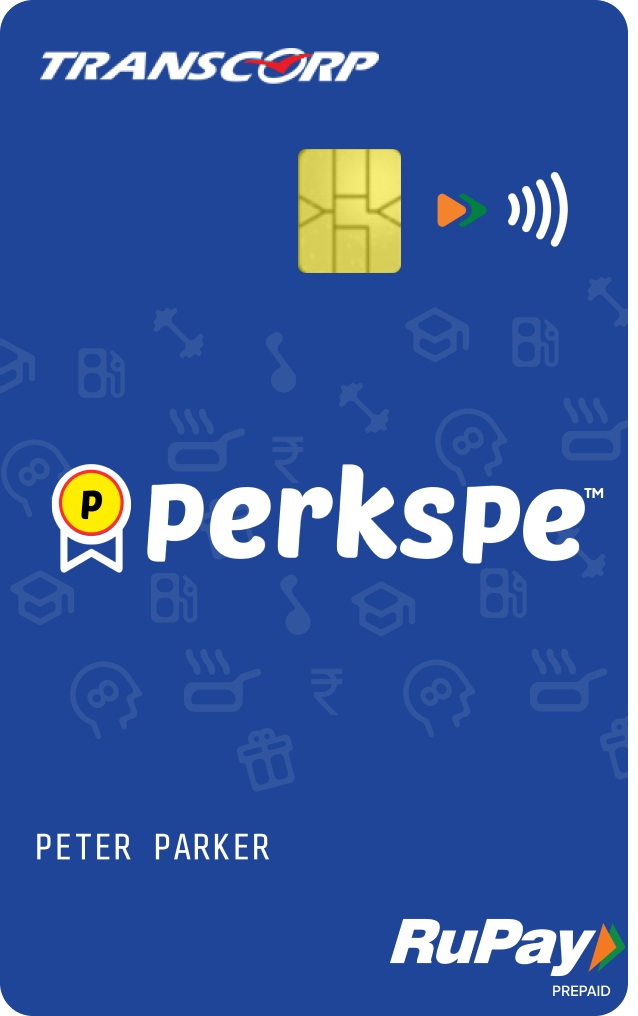
One card that has multiple wallets
- General
- Food
- Fuel
- Medical
- NCMC
Funds on food, fuel, medical & NCMC can only be used for those purposes.
General wallet funds can be used anywhere in millions of places accepting RuPay.
Perks Powered by Pep Coins
1 Decide who gets the coins.
2 Decide where they get it. Pick wallets: Food, Fuel, Medical or General, or even the Marketplace.
3 Decide when they get it. Recurring, scheduled or on anniversaries.
4 Set it up and it runs on autopilot. Coins get loaded, employees redeem them and use them whenever they want.
Expense Management done right
1 Employee pays from the card.
2 Employee chooses the transaction in the app and clicks create expense.
3 They fill out the expense form along with any custom fields set by the company.
4 They submit it and it goes to the admin for approval. The admin sees the actual verified transaction made with the card, and the receipts attached. They approve it and it gets reimbursed.
Load Advance to the employees
1 Select the employee, choose the amount and choose which wallet the money loads into.
2 If they try to spend the balance at the wrong place, the transaction auto-declines.
3 The employee spends the money and creates the expense. When it is approved it is auto-reimbursed and the cash advance balance is debited.
Coming soon New
Travel and Daily Allowance on UPI
1 Switch on TADA on UPI for the employees you choose.
2 Employees add their PerksPe card into the BHIM UPI app.
3 From there they can scan any UPI QR code and pay and then create the expense.
4 See every TADA UPI transaction in real time as it happens, and which ones still need an expense and are unaccounted for.
Reward your employees for their best performances and motivate them and make them feel seen
Choose from 500+ gift cards at offer prices in our built-in marketplace
Get yourself and your employees on the new age perks and expense platform
1 / 6